Quick answer: Underdog has no delete button. To delete your Underdog account, withdraw your balance, then tap Contact Support in the app or email support@underdogsports.com and ask them to close it. Support can reopen a closed account, so also self-exclude: Account, Preferences, Responsible Gaming Limits, Exclusion, pick the longest length, Save.
Quitting gambling
How to Delete Underdog Account: Close It, Then Self-Exclude
By QuitBet Addiction Research Team · Updated · 8 min read
On this page
- Can you delete your Underdog account in the app?
- How to delete Underdog account for good, step by step
- What should you say to Underdog support?
- How long does Underdog self-exclusion last?
- Does it cover Underdog's other products?
- What happens to the money left in your account?
- How do you stop yourself from signing up again?
- What should you do in the first few days after?
- FAQ
If you're looking up how to delete Underdog account access because you want to stop playing, this guide is for you. Uninstalling the app doesn't close anything. Your account, your saved card and your balance are all still there, waiting for the next slate.
We checked every step below against Underdog's own help center and its terms of use on November 18, 2026. Menus change, so if a button isn't where we say, Underdog support can make each change for you.
Can you delete your Underdog account in the app?
No. Underdog's account help page says that to close your account, you reach out to them with the Contact Support button in the app. Its terms of use, updated November 12, 2026, also let you email support@underdogsports.com to terminate the account.
Closing isn't the end of it, though. The same help page says a closed account "can be reopened by reaching out to our support team," once you send a photo ID and a selfie. That takes some effort, but it's a way back in on a night when you want one.
People mix up four different options here, and they differ a lot in how hard they are to undo:
| Option | Where you find it | Can it be undone? | What it does |
|---|---|---|---|
| Close the account | Contact Support in the app, or email support | Yes. Support can reopen it with your ID and a selfie | Closes the account |
| Privacy deletion request | Underdog's Privacy Request Center | Not stated | Asks Underdog to delete your personal data |
| Cool-Off | Underdog's responsible gaming settings in the app | Not early, but it switches back on by itself | Pauses play for 3 days to 9 months |
| Self-exclusion | Account > Preferences > Responsible Gaming Limits > Exclusion | No. Underdog says you can't remove it | Locks you out of the account for the length you choose |
Sources: Underdog's account, self-exclusion and cool-off help pages, checked November 18, 2026.
If gambling is why you're leaving, self-exclusion is the step that holds.
How to delete Underdog account for good, step by step
Try to do all of this in one sitting. Our free quit-gambling checklist has room to tick off each account as you go.
- Withdraw your balance. Underdog's terms say you can close your account and withdraw your balance at any time, subject to its fraud and compliance checks.
- Open the app and tap Account, then scroll down to Preferences.
- Select Responsible Gaming Limits and toggle to Exclusion.
- Set the longest length you're offered and tap Save. Underdog's self-exclusion page says this "cannot be undone."
- Ask support to close the account as well. Email support@underdogsports.com, or use Contact Support in the app if you can still reach it. The message below covers both.
- Check the next day. Try to sign in. If you can still play, write to support again.
Underdog's privacy deletion request is a separate thing. It asks the company to erase your personal data, and the help page doesn't say whether it closes your account or what it does to a self-exclusion. Set up the self-exclusion first, and ask support before you file a data request.
What should you say to Underdog support?
Keep it short and in writing so you have a record. You can reach support through the Contact Support button in the app, or by email at support@underdogsports.com, the address in Underdog's terms of use.
You can copy this:
"I'm closing my Underdog account because of a gambling problem. Please close the account, apply the longest self-exclusion you offer, lifetime if possible, across all Underdog products, and stop all marketing to me. Please confirm in writing. If I have a balance, tell me how to withdraw it."
That's all you need to say. If you're offered a cool-off or a deposit limit instead, turn it down and repeat the request.
How long does Underdog self-exclusion last?
It depends on which Underdog page you read. The self-exclusion help page lists 1 year, 3 years, 5 years, 10 years or lifetime. The terms of use dated November 12, 2026 list 3 months, 6 months, 1 year, 3 years, 5 years and 10 years, with no lifetime option.
Pick the longest length your app shows. If lifetime isn't there and you want it, ask support for it in writing. Either way, Underdog's help page says "You cannot remove a Self-Exclusion," so a choice you make on a clear-headed day still holds on a bad one.
Cool-Off is different. Underdog's cool-off page says your account is "automatically re-enabled" when the break ends, which can be as soon as 3 days. A pause that switches itself back on is built for people who plan to keep playing, so it isn't a quitting tool.
Does it cover Underdog's other products?
Underdog's terms say yes, with a gap worth closing. The terms of use say Underdog lets customers "self-exclude directly from all Underdog products." Underdog now offers pick'em, drafts, card packs and event contracts through Underdog Exchange, and the Exchange runs under separate companies and separate terms. Underdog also has separate terms for sports betting.
When you write to support, ask them to confirm that your self-exclusion covers every Underdog product you can reach, including the Exchange and any sportsbook in your state. Get the answer in writing.
What happens to the money left in your account?
Take it out before you self-exclude if you can. Underdog's terms say withdrawals are typically processed within 10 business days, after its fraud and compliance checks. If you self-exclude with real-money deposits still in the account, the terms say they "will be refunded to you within five (5) business days."
Winnings are another matter. The terms say winnings from the exclusion period are forfeited, and the help page says the same for Pennsylvania. Open contests settle on their results, and for any leftover balance, the help page says to contact support.
Don't enter one more contest to "use up" a balance or win back the last loss. That's how chasing losses starts. If betting has left you with bills you can't cover, our guide to gambling debt starts with protecting rent and essentials.
How do you stop yourself from signing up again?
Underdog's own rules help here. Its help page says closing an account "does not allow for a new account to be created," and the terms say an excluded user "may not open another Account" during the exclusion. Neither stops PrizePicks, a sportsbook or the next app advertised during the game. These barriers cover more ground:
- Check your state's programs. Pennsylvania lets you self-exclude from fantasy contests online through its Gaming Control Board. Arizona's Department of Gaming runs an event wagering and fantasy sports self-exclusion with a notarized form, and a remote notary option. Tennessee has no central fantasy list, so you ask each operator. The National Council on Problem Gambling's map lists programs in every state.
- Close your other accounts the same way. We have guides to deleting a PrizePicks account and deleting a DraftKings account.
- Block gambling apps and sites on every device. Our gambling blocker finder gives steps for phones and computers.
- Remove saved cards from your phone's autofill and payment apps, so money takes longer to reach.
Our 7-layer plan to stop online gambling goes through each layer in more detail.
What should you do in the first few days after?
Expect the urge to come back at your old times, like an hour before tip-off or Sunday morning before the early games. Feeling restless or short-tempered for a while is common and doesn't mean you got it wrong. Our guide to gambling withdrawal symptoms explains what to expect.
Picture Saturday afternoon. College football is on, and your thumb goes to where the Underdog icon used to be. Nothing's there. That small gap is your moment to text a friend or get out of the house for twenty minutes. Write that plan now with our free urge plan worksheet, and use the game-day plan for the hours you used to spend building entries.
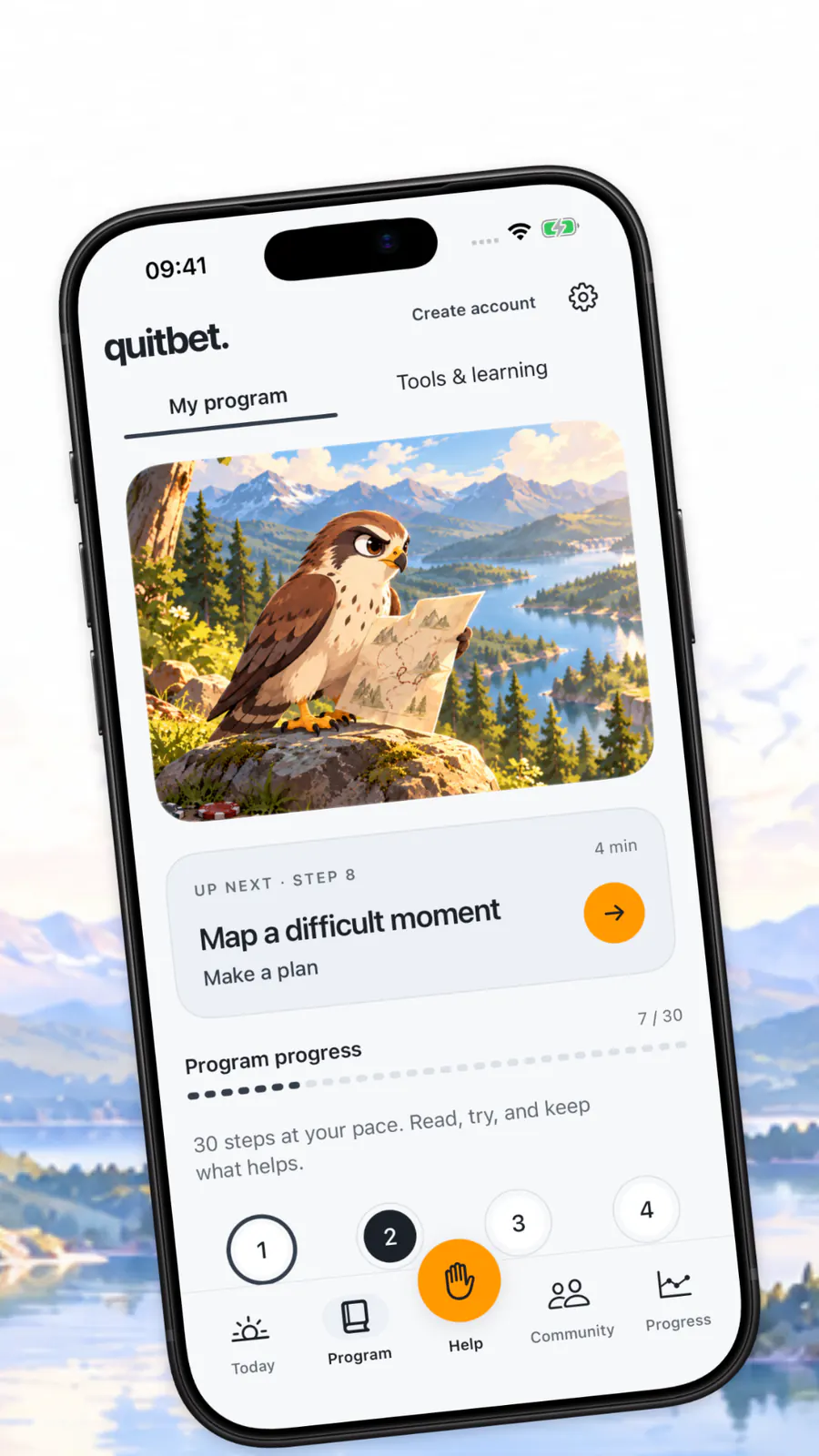
QuitBet, for iPhone (iOS 18 or later) and Android, blocks gambling apps and sites: through Apple's Screen Time on iPhone, and with an on-device filter and app blocking on Android. When an urge hits, its urge tools offer short breathing and focus exercises, and its AI chat is there at 2am. It also has daily check-ins on urges and triggers, streak and money-saved tracking, and a community of people who are quitting too. It's free to start and works alongside therapy or Gamblers Anonymous, not in place of them.
If you're struggling right now, call or text 1-800-MY-RESET (1-800-697-3738). The National Problem Gambling Helpline is free, confidential and open 24/7.
FAQ
Is there a delete button in the Underdog app?
No. Underdog's help page says you close your account by tapping Contact Support in the app, and its terms let you email support@underdogsports.com instead. For a lock you can't reverse, also turn on self-exclusion under Account, Preferences, Responsible Gaming Limits.
Can I reopen my Underdog account after closing it?
Yes. Underdog's help page says a closed account can be reopened by contacting support, after you send a government ID and a selfie holding it. A self-exclusion is different: Underdog says you can't remove it once it's set.
How do I self-exclude from Underdog?
In the app, tap Account, scroll to Preferences and open Responsible Gaming Limits. Toggle to Exclusion, choose a length and tap Save. Withdraw your balance first, and pick the longest length you're offered if you want to quit.
Can I make a new Underdog account after deleting my old one?
Underdog allows one account per person. Its help page says closing an account doesn't let you create a new one, and its terms say an excluded user can't open another account during the exclusion.
What happens to my Underdog balance if I self-exclude?
Underdog's terms say real-money deposits left in the account are refunded within five business days of enrolling. Winnings from the exclusion period are forfeited. Withdrawing before you self-exclude is the simplest route.
What's the difference between Cool-Off and self-exclusion on Underdog?
Cool-Off pauses your account for 3 days to 9 months, then switches it back on by itself. Self-exclusion runs for months or years, or for life on the help page's list, and can't be removed. If you want to stop, use self-exclusion.
Need to talk to someone right now? Call or text 1-800-MY-RESET (1-800-697-3738), or chat online, to reach the National Problem Gambling Helpline. It's free and confidential, and it's open 24/7. If you're having thoughts of suicide, call or text 988.
The QuitBet app
Keep your daily plan close
QuitBet for iPhone and Android brings your quit plan, check-ins, gambling blocking and urge tools together.
- Quick help for the moment an urge hits
- Daily check-ins, streaks and money saved
- A blocker for gambling apps and websites
- A community of people quitting too

On a computer?Scan with your phone camera to get QuitBet on iPhone or Android.
Rated 4.2 on the App StoreFree to start on iPhone and Android.