Quick answer: To delete your DraftKings account, withdraw your balance, then open Login & Security and tap Close Account. Closing alone isn't permanent: signing back in lets you reactivate it. To delete it for good, contact DraftKings support after closing. Then self-exclude, which DraftKings can't shorten once it's set.
Quitting gambling
How to Delete DraftKings Account Permanently: Close, Delete and Self-Exclude
By QuitBet Addiction Research Team · Updated · 8 min read
On this page
- Does closing your DraftKings account delete it?
- How to delete DraftKings account permanently, step by step
- What should you say to DraftKings support?
- Should you self-exclude from DraftKings too?
- What happens to the money left in your account?
- How do you stop yourself from opening a new account?
- What should you do in the first few days after?
- FAQ
This guide covers how to delete DraftKings account access so it still holds on a bad night. If you've decided you're done betting, deleting the app isn't enough. The account, the balance and the promo emails are all still there, and reinstalling takes a minute.
The steps below come from DraftKings' own help pages, checked on November 2, 2026. Menus change, so if a button has moved, the support team can do every step for you.
Does closing your DraftKings account delete it?
No. Closing your DraftKings account locks you out, but DraftKings' reactivation page says that if you sign in after closing it in the app, you'll be asked whether you want to reactivate it. One tap on the green Reactivate button and the account is back.
That matters, because the urge to bet again usually shows up when you're tired, upset or watching a game. A closed account that reopens with your password won't stop you then. DraftKings offers three levels, and they're strongest used together:
| Option | How you do it | Can you undo it? | What it blocks |
|---|---|---|---|
| Close the account | Close Account in Login & Security | Yes, by signing in and tapping Reactivate | Logging in until you reactivate |
| Permanently delete it | Close it, then contact DraftKings support | Ask support to confirm in writing | The account itself |
| Self-exclude | My Budget and Controls | No. DraftKings "isn't permitted to shorten" it | Logins, deposits, bets, contests, casino games and marketing for the period you pick |
Sources: DraftKings' pages on closing an account and self-exclusion.
How to delete DraftKings account permanently, step by step
Do these in order, ideally in one sitting. Our free quit-gambling checklist has room to tick off each account you close.
- Withdraw your balance. DraftKings' close-account page warns that once the account is closed, you won't be able to log in. Withdraw first so you're not tempted to reopen it for the money.
- Close the account in the app or on the website (steps below).
- Contact DraftKings support and ask them to permanently delete the account. DraftKings says this is how permanent deletion works: close the account first, then contact the support team.
- Self-exclude for the longest period you're ready for, if your account still allows it. Ask support to do this in the same conversation if you can't reach the setting yourself.
- Check that it worked. A day later, try to sign in. If you can still get in, or you're offered the Reactivate button, contact support again.
In the DraftKings Sports & Casino app
Tap your profile photo in the top right corner, then Login & Security, then Login Security Preferences. Tap Close Account, fill in the closure form and tap Continue. Re-enter your password and tap Yes, Close My Account (DraftKings).
On a computer or phone browser
On a computer, click your profile photo, choose Account Information, then Login & Security in the left menu. Scroll down to Close Account, complete the form, click Continue, re-enter your password and confirm. In a phone browser, tap the Home icon at the bottom, then your profile photo in the top left, then Login & Security and Close Account. You can also go straight to DraftKings' account closure page after signing in.
In the Pick6, Daily Fantasy or DK Horse apps
In Pick6 and Daily Fantasy, the path is the same: profile photo, Login & Security, then Close Account at the bottom of the page. In DK Horse, tap your profile photo, then Settings, then Close Account. Each one ends with the closure form, your password and Yes, Close My Account (DraftKings).
What should you say to DraftKings support?
Keep it short and put the request in writing so you have a record. DraftKings' contact page lists a chatbot on the help center, the X account @DK_Assist and a mailing address, and says the team is available 24/7. If you're logged out, you'll need to verify an email address to open a case.
You can copy this:
"I have closed my DraftKings account because of a gambling problem. Please permanently delete it, self-exclude me for the longest period available, remove me from all marketing, and confirm in writing. If I have a balance, please tell me how to withdraw it."
You don't owe anyone a reason. If you're offered a bonus or a shorter break instead, repeat the request.
Should you self-exclude from DraftKings too?
Yes, if you want a barrier you can't undo on impulse. DraftKings' self-exclusion page lists periods of 1 year, 3 years, 5 years and lifetime, plus 3 or 6 months for fantasy sports only (not in Connecticut). The options you see depend on your state. You'll find the setting in My Budget and Controls.
While you're self-excluded, DraftKings says you can't log in, deposit, enter fantasy contests, place sports bets or play casino games, and you won't get direct marketing from DraftKings. Self-exclusion in one state applies everywhere. And once the period is set, DraftKings "isn't permitted to shorten that period."
Two things to know before you pick a length. When the period ends, DraftKings says your account "will be available for regular use again," so a lifetime or 5-year term holds longer than a 1-year term. And DraftKings also runs Predictions, Racing and Lotto products. Its self-exclusion page names fantasy, sports betting and casino games, so ask support to confirm the others are covered too.
A "cool-off" is a shorter, temporary break that ends on its own. If you've decided to stop, skip it and self-exclude.
What happens to the money left in your account?
Withdraw it before you close the account if you can. If you self-exclude with money still in the account, DraftKings says the funds stay there, and you can withdraw them only by contacting support, which handles the withdrawal "with monitored assistance" (DraftKings).
If you owe money because of betting, our guide to gambling debt covers protecting rent and bills first and where to find free credit counseling.
How do you stop yourself from opening a new account?
Deleting DraftKings takes care of one sportsbook. Every other sportsbook, casino app and pick'em app is still a download away, so add barriers that cover all of them:
- Join your state's self-exclusion list. Many states run one list that covers every sportsbook they license. New Jersey's online program, for example, lets you exclude yourself from all its internet gambling and sports betting for 1 or 5 years through its online portal. Find your state on the National Council on Problem Gambling's map.
- Close your other betting accounts the same way: withdraw, close, ask for deletion, self-exclude. Our guide to how to stop sports betting walks through the rest.
- Block gambling apps and sites on your phone and computer. Our gambling blocker finder gives steps for your device, and Gamban vs BetBlocker vs QuitBet compares three blockers.
- Put distance between you and the money. Remove saved cards from your phone's autofill, and consider letting someone you trust hold a card for a while.
Our 7-layer plan to stop online gambling covers each of these in more detail, including sweepstakes casinos and prediction-market apps.
What should you do in the first few days after?
Expect the urge to come back, especially around games you used to bet on. You may feel restless or irritable for a while. That doesn't mean you made the wrong call. Our guide to gambling withdrawal symptoms explains what to expect and how to plan for it.
A few things help in the first week. Write down what you'll do when the urge hits, using our free urge plan worksheet. Tell one person what you did today. And plan game days in advance, because that's when the old habit pulls hardest.
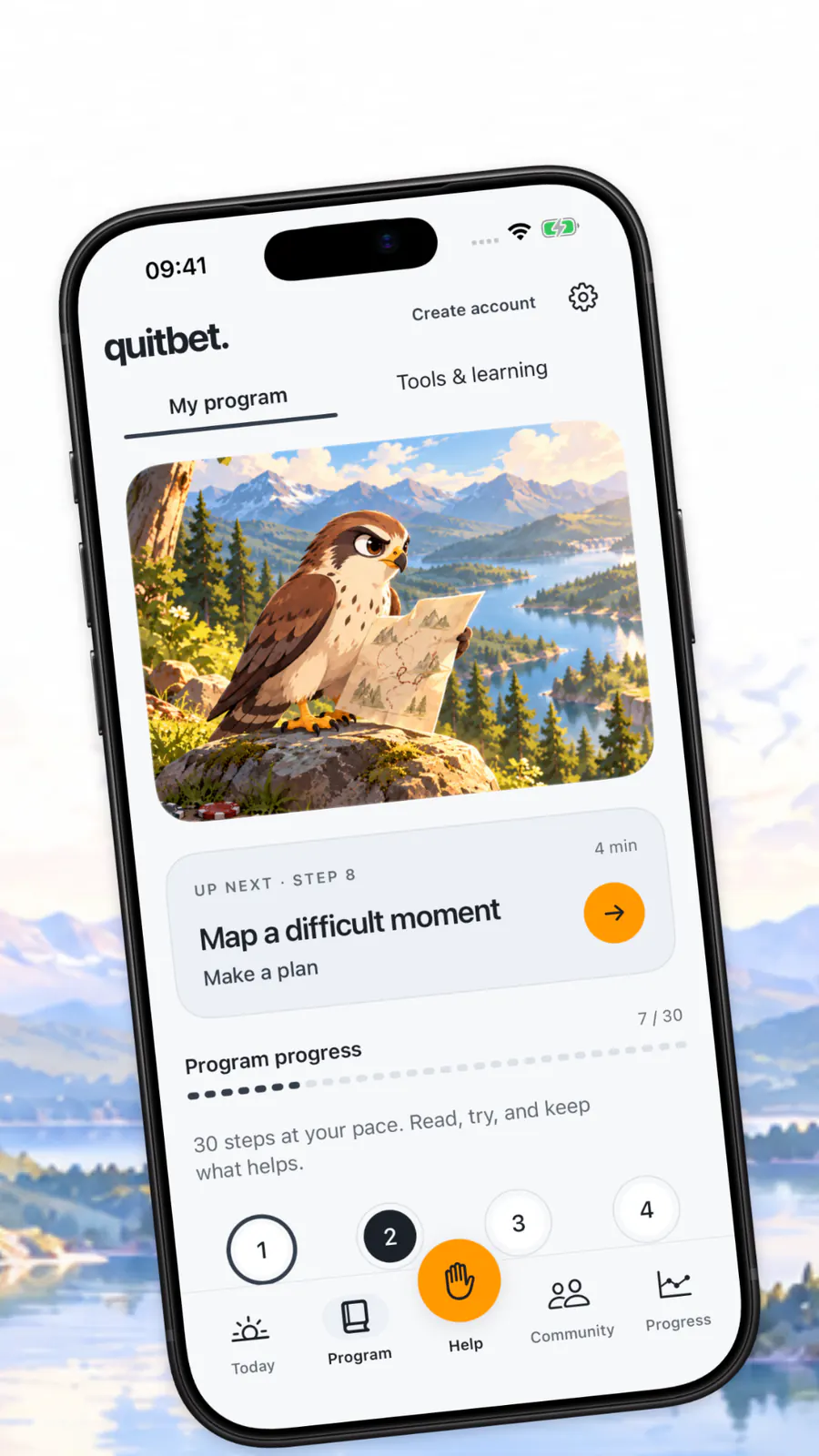
QuitBet is an iPhone app (iOS 18 or later) that blocks gambling apps and sites through Apple's Screen Time. It also has a panic button with short breathing and focus exercises, an AI coach for on-demand support, daily craving and mood check-ins, and a community of people who are quitting too. It's free to start and works alongside therapy or Gamblers Anonymous.
If you're struggling, call or text 1-800-MY-RESET (1-800-697-3738). The National Problem Gambling Helpline is free, confidential and open 24/7.
FAQ
Can I reopen my DraftKings account after closing it?
Yes, if you only closed it. DraftKings says signing back in after closing your account in the app brings up a Reactivate button. That's why you should also ask support to permanently delete it and set up a self-exclusion, which DraftKings can't shorten.
Can I delete my DraftKings account without contacting support?
You can close it yourself in Login & Security, but DraftKings says permanent deletion means closing the account and then contacting its customer support team. Use the chatbot on the DraftKings help center, or message @DK_Assist on X.
How long does DraftKings self-exclusion last?
You can choose 1 year, 3 years, 5 years or lifetime, and fantasy-only exclusions of 3 or 6 months in most states. The options depend on where you live. Once you set it, DraftKings can't shorten it, and your account opens again when the period ends.
Does self-exclusion cover DraftKings Sportsbook, Casino and Fantasy?
DraftKings says that while you're self-excluded, you can't place sports bets, play casino games or enter fantasy contests, and that an exclusion set in one state applies everywhere. Its page doesn't mention Predictions, Racing or Lotto, so ask support to confirm those.
Will DraftKings stop sending me promotions?
DraftKings says self-excluded customers don't get direct marketing. If you only close the account, ask support in writing to remove you from all marketing, and unsubscribe from the emails and texts you still get.
What if I can't log in to close my account?
Contact DraftKings support through the help center chatbot. You'll need to verify an email address to open a case if you're logged out. Ask them to close and permanently delete the account and to self-exclude you.
I deleted DraftKings but I'm still betting on other apps. What now?
That's common, and it's a sign to add barriers that cover every app at once: your state's self-exclusion list and a gambling blocker on each device. You can also call or text 1-800-MY-RESET, the free, confidential National Problem Gambling Helpline, any time.
Need to talk to someone right now? Call or text 1-800-MY-RESET (1-800-697-3738), or chat online, to reach the National Problem Gambling Helpline. It's free and confidential, and it's open 24/7. If you're having thoughts of suicide, call or text 988.
The QuitBet app
Keep your daily plan close
QuitBet for iPhone brings your quit plan, check-ins, gambling blocking and urge tools together.
- A panic button for the moment an urge hits
- Daily check-ins, streaks and money saved
- A blocker for gambling apps and websites
- A community of people quitting too
Download on the App Store
On a computer?Scan with your iPhone camera to get QuitBet.
Rated 4.4 on the App StoreFree to start on iPhone.